
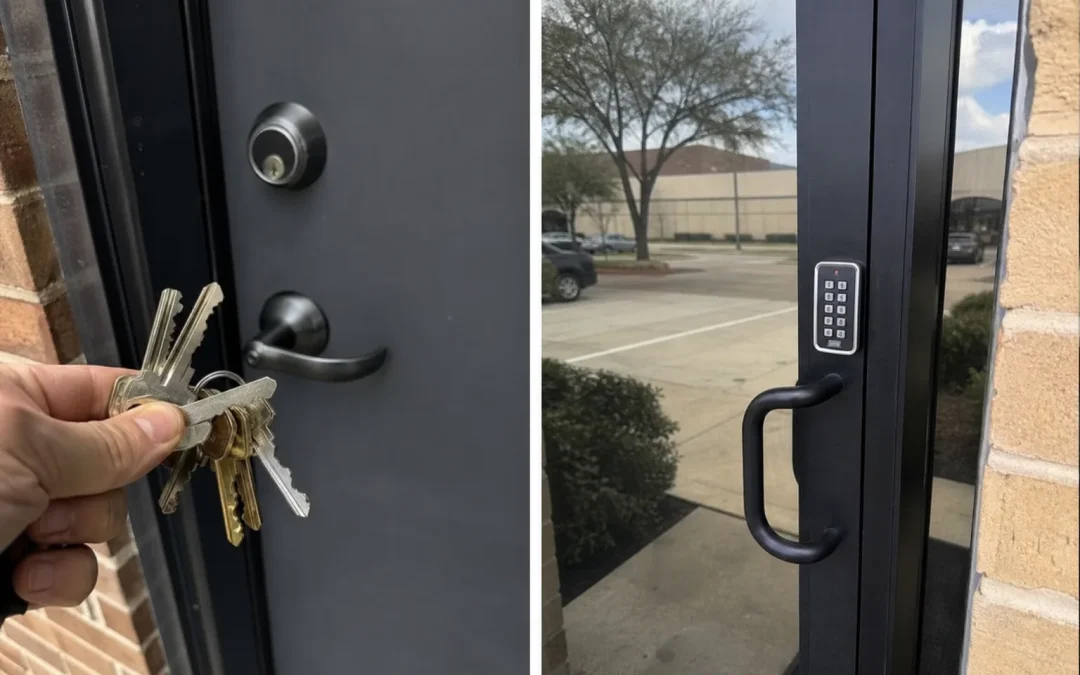
For keys vs keyless entry for small business, neither choice wins every time. Keys often fit a small, steady team with a few doors. Keyless entry can make more sense when staff changes, different people need different access, or you need scheduled entry and a record of who came in. Some businesses use both.
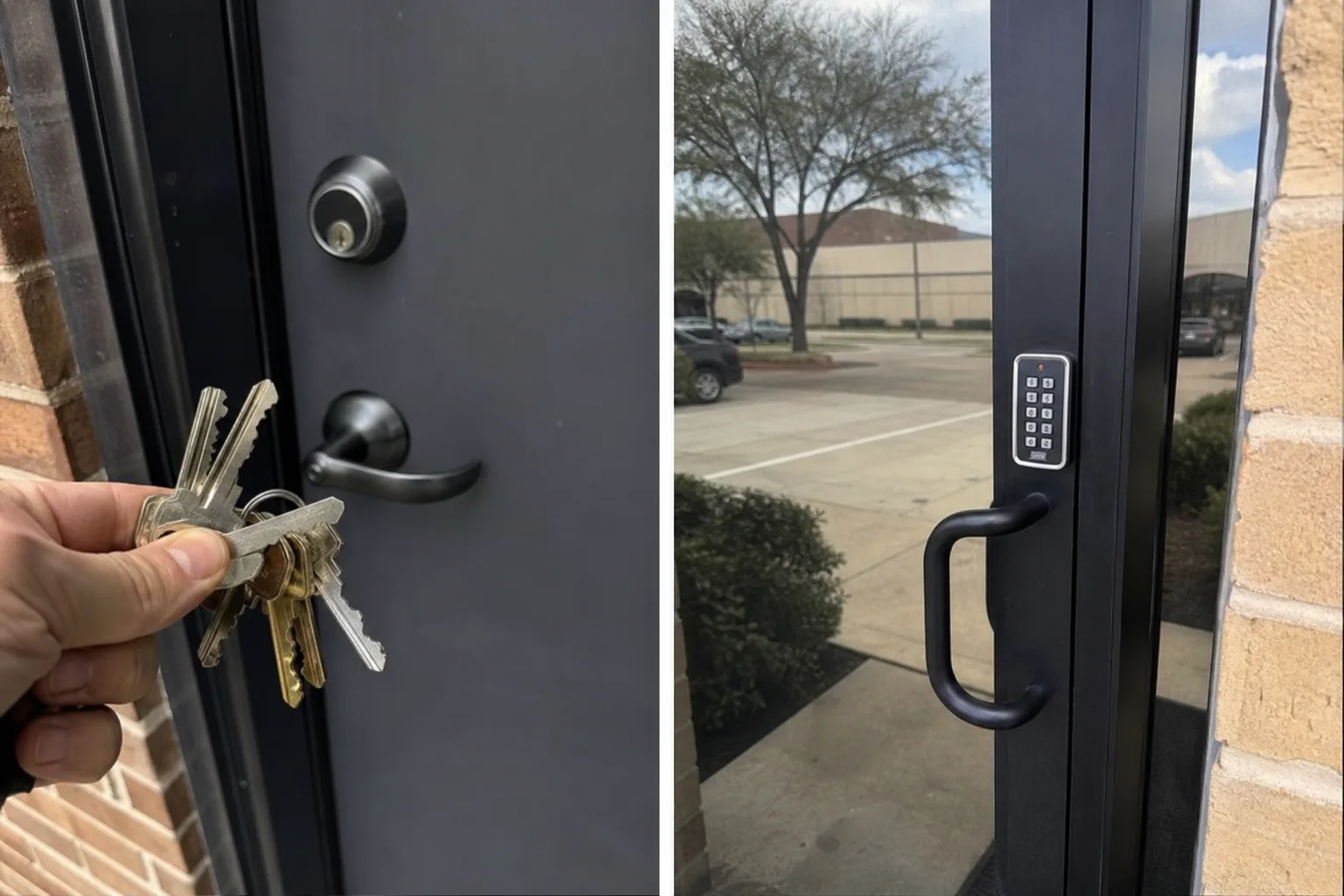
Start with how people enter your business
Your daily routine matters more than the label on the lock. Think through each exterior door, storage room, office, and back entrance. Then ask who needs to enter, when they enter, and what should happen when their role changes.
Traditional keys are physical copies that open a lock. Keyless entry can use a code, card, fob, phone credential, or another electronic method. The available options depend on the door and hardware already in place.
CISA’s guidance on choosing an access control system notes that mechanical systems can suit stable workplaces with low staff turnover. It also notes that digital systems can give administrators configurable access privileges instead of relying only on physical keys.
- Choose keys when the same small group needs access and changes are rare.
- Look at keyless entry when you need to add, remove, or limit access by person.
- Consider a hybrid setup when only certain rooms need tighter control.
When traditional keys are the practical choice
A keyed lock keeps the routine simple. Give an authorized person a key, and they can open the door. There is no user list to set up and no code for that person to remember. For a business with a front door, a back door, and a stable owner-led team, that simplicity may be enough.
Keys fit a small and steady access list
Keys can work well when only a few people need entry and everyone has the same access. A shop where the owner and two long-term employees open and close may not need separate time schedules or entry records.
Before handing out keys, decide who can authorize copies. Keep a written list of key holders and the doors each key opens. Update that list when roles change. A missing key is easier to address when you know what it could open.
Know the tradeoff when a key leaves your control
A physical key can be copied, misplaced, or kept after a worker leaves. If you cannot account for a key, changing or rekeying the affected lock may be the next step. Rekeying changes the lock so an old key no longer works. It may be useful after a staffing change or lost key, depending on the lock and your access plan.
Keys also do not show who opened the door or the time of entry. That may not matter for a low-risk door. It can matter for cash storage, records, tools, inventory, or a room where only certain workers should enter.
When keyless entry gives your business more control
Keyless entry is worth considering when access changes often or needs to differ by person. Rather than collecting a former worker’s key and wondering whether it was copied, an authorized manager may be able to remove that person’s credential. The exact steps depend on the system you choose.
Use permissions for roles and schedules
Electronic access can let you assign different entry rights to different people. A manager may need access to an office and stock room. A delivery worker may only need a receiving door. You may also want access that works only during a set part of the day.
Write down your real access groups before shopping. Keep them simple. Common groups might include owner, manager, regular staff, cleaning crew, and vendor. Then decide which doors and hours each group needs. This prevents buying features that don’t solve a daily problem.
Decide whether an entry history matters
Some electronic systems can keep an access history. That can be useful if you need to check whether a credential was used at a door. It does not replace good key handling, alarm procedures, or staff training. It is simply a feature to weigh if you need more visibility around certain spaces.
Plan for the system’s day-to-day needs
Keyless hardware may need batteries, power, software management, or a plan for lost cards and forgotten codes. Ask who will add users, remove users, replace batteries, and keep credentials from being shared. If nobody owns those tasks, a system can become less useful over time.
Ask about what happens during a power outage or device issue before installation. The answer can vary by equipment and door setup. Make sure the plan supports both normal entry and safe exit.
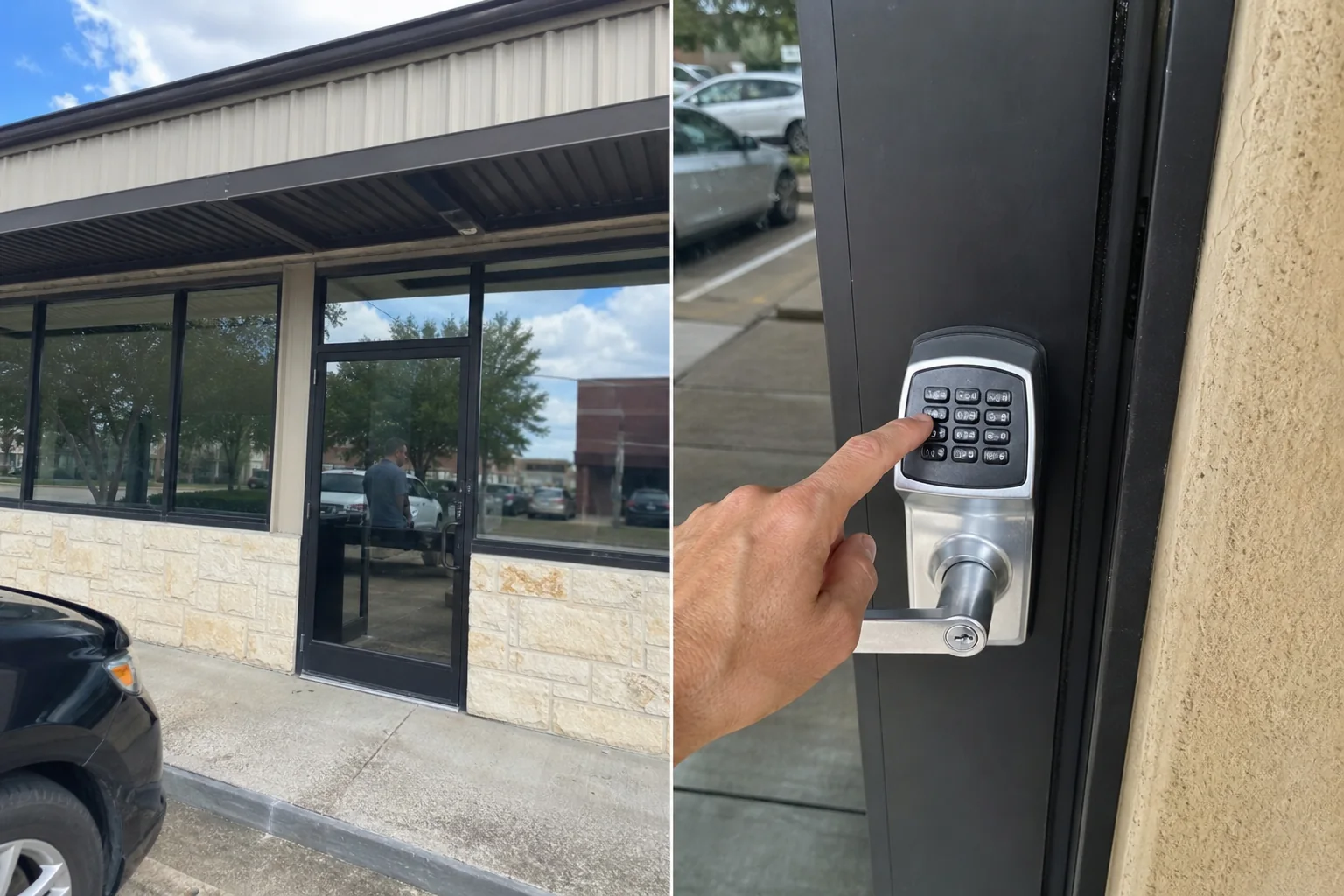
Compare the choices by the job each door does
You don’t have to make every door work the same way. A basic mechanical lock may be suitable for a low-risk closet, while a private office or inventory room may need named credentials and limited hours. Match the method to the door’s use.
| Business need | Keys may fit when | Keyless entry may fit when |
|---|---|---|
| Small, stable team | Few trusted people use the same doors | You still want separate credentials for each person |
| Staff changes | You can recover every key and change locks when needed | You need to remove access without collecting a key first |
| Different rooms | Most people can enter the same areas | Some rooms need restricted access by role |
| After-hours entry | A limited group already holds the needed keys | Access should work only on set days or hours |
| Entry records | No record is needed for that door | You need a system that can record credential use |
| Simple operation | You want a familiar lock with no user administration | You can assign someone to manage users and upkeep |
Don’t overlook exit safety and door hardware
Entry control must not block people from leaving in an emergency. The Occupational Safety and Health Administration’s exit route requirements state that required exit doors must be readily openable from inside without keys, tools, or special knowledge. A locking device or a failure condition cannot restrict emergency use of an exit.
That rule affects the choice of hardware, not only the credential used outside. A door that serves as a required exit needs a safe inside release. If your building has panic hardware, alarms, controlled doors, or landlord rules, discuss them before any change. Your property manager may control what can be installed on exterior doors.
Don’t rely on a keypad or electric lock alone to answer an exit question. Check the full door setup, including the latch, closer, frame, inside hardware, and emergency procedures. A qualified local professional can assess the door, while the business owner should confirm any building and fire requirements that apply to the property.
Use a hybrid setup when every door has a different risk
A hybrid plan uses keys where they are enough and electronic access where control matters more. This can keep the system focused on the doors that create the biggest access concern.
Picture a small office with a public entrance, a staff door, a supply closet, and a records room. The business might use regular keyed hardware on the closet, keep a controlled key for the staff door, and use electronic credentials for the records room. The right mix depends on who needs access and what is behind each door.
List the doors from lowest to highest concern. Consider customer privacy, cash, medication, tools, inventory, confidential files, and after-hours entry. Then decide which door needs a simple lock, restricted keys, or user-based permissions. This approach can keep a project from becoming larger than your real needs.
Questions to settle before you choose
- How many people need access now, and how often does that list change?
- Which doors should all staff use, and which rooms should stay limited?
- Do contractors, cleaners, vendors, or tenants need entry at certain times?
- Would you need to know whose credential opened a door?
- Who will handle lost keys, lost fobs, forgotten codes, and user changes?
- Does the landlord need to approve a change to the door or lock?
- Which doors are required exits, and how will people leave safely?
Bring this list to a site visit. It gives the locksmith a clearer picture of traffic, doors, hardware, and priorities. It also helps you compare a simple keyed solution with electronic options without guessing.
FAQs
Can a small business start with keys and switch later?
Yes. Starting with keys can be a reasonable choice if your needs are simple today. Keep a current key-holder list and ask about door hardware that may support a later upgrade. A later change still depends on the door condition, existing lock, power options, and building approval.
Should every employee get the same keyless credential?
That depends on their job. Separate credentials can make it easier to remove a single person’s access and may allow different door permissions. Shared codes or shared fobs can be simpler, though they make it harder to know who used them and to remove access for only one person.
What should I ask my landlord before changing a lock?
Ask whether you may change exterior hardware, whether the landlord needs a key or credential, and whether the building has rules for door appearance, fire equipment, or approved contractors. Put any approval and key handoff process in writing for your records.
United Locksmith provides commercial locksmith services in Houston, including keyless entry systems, access control, lock installation, and panic or crash bar hardware. To review your doors and discuss the next step, explore commercial keyless entry systems or call 832-220-4722.